Video Meetings
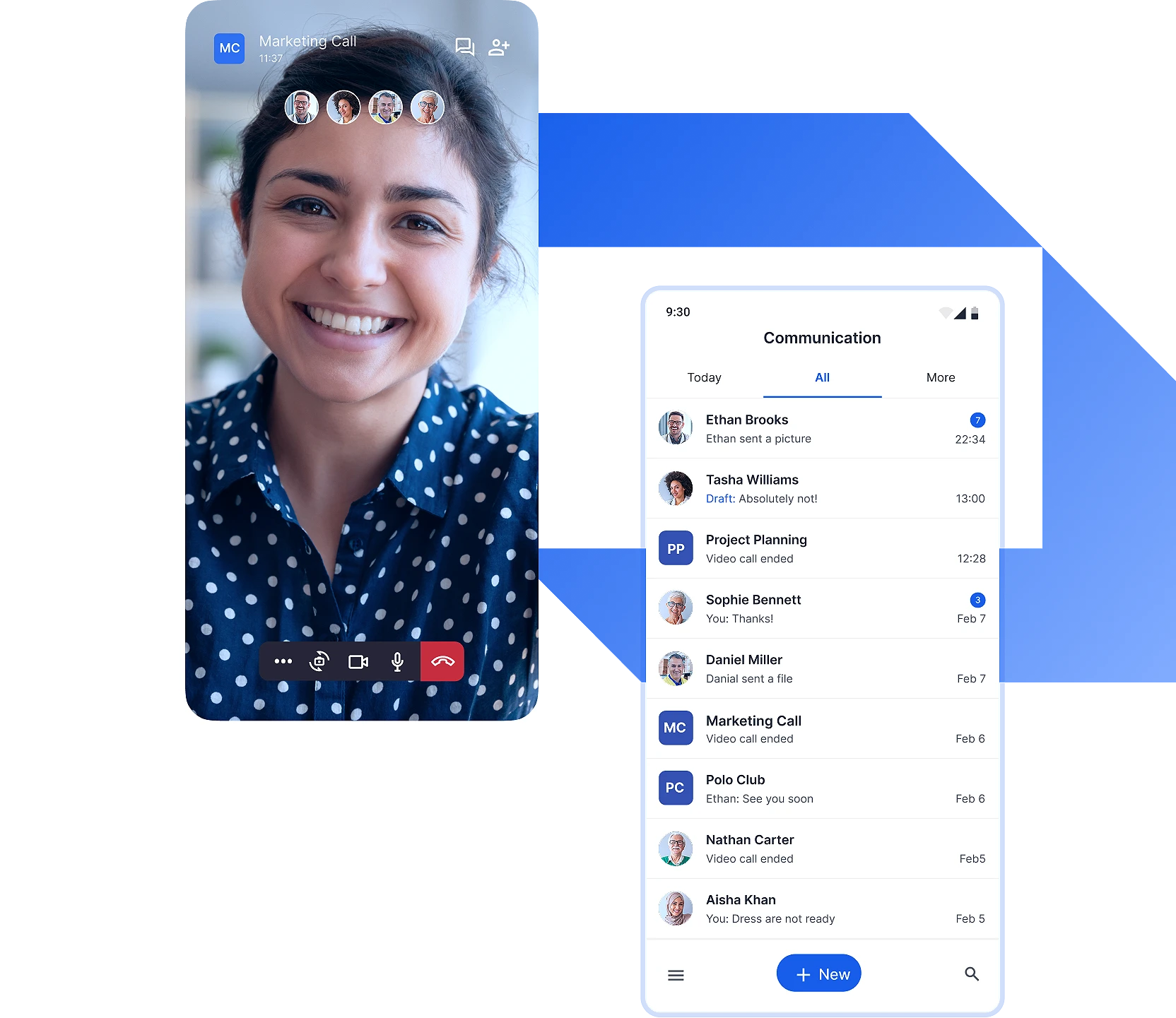
Arrange online meetings and video conferences to communicate in real-time with colleagues, customers, or teams, no matter the location. Share ideas visually and foster collaboration through video-based face-to-face interaction.
Give presentations with screen sharing, share important files and documents, and utilise live chat to optimize productivity.
Audio Meetings
Schedule and arrange audio meetings with your team members and external partners. Exchange ideas in real-time through high-quality audio, ensuring smooth discussions and decision-making.
Video Calls
Connect instantly with your colleagues and key partners with video calls. Share notes of the call to participants and summarise key takeaways.
Audio Calls
Connect instantly with your colleagues and key partners with audio calls. Share notes of the call to participants and summarise key takeaways.
Rooms
Reach your colleagues and external stakeholders with Rooms, designed for seamless communication among teams. They enable video meetings, video calls, team chat, threaded group discussions, and file sharing, helping teams stay connected.
Team Chat
Use team chat of #One Rooms to stay connected with your colleagues and teams through intuitive group discussions and seamless interactions. Reduce reliance on email and speed-up decision making.
Instant Messages
Connect with a colleague via personal chat enabling 1-on-1 real-time text-based messages, video meetings and file sharing. Exchange documents and links effortlessly, and keep conversations organized with chat history and notifications.
Video Messages
Send instructions and quick notes to a colleague or whole team with video messages.
Whenever your colleague is unavailable to answer your video call, you can always leave them a video message.
Audio Messages
Send an audio message to a colleague or team and express your thoughts clearly and naturally on the go.
You can also leave a voice message to your colleague whenever your colleague is not able to answer you audio call in #One.
Electronic Identification (eID) for Meetings
Ensure the identity of guests participating in video meetings and video conferences via strong electronic identification (eID).
Meeting Recordings
Record video and audio meetings and conferences and ensure nothing goes amiss by revisiting the meeting content afterwards – even for people who were not present in the meeting.
Video Meetings
Arrange online meetings and video conferences to communicate in real-time with colleagues, customers, or teams, no matter the location. Share ideas visually and foster collaboration through video-based face-to-face interaction.
Give presentations with screen sharing, share important files and documents, and utilise live chat to optimize productivity.
Audio Meetings
Schedule and arrange audio meetings with your team members and external partners. Exchange ideas in real-time through high-quality audio, ensuring smooth discussions and decision-making.
Rooms
Reach your team members with Rooms, designed for effective collaboration among people. Rooms enable video meetings, team chat, threaded conversations, and file sharing, helping teams to collaborate productively.
Team Chat
Use team chat of #One Rooms to stay connected with your colleagues and teams through intuitive group discussions and seamless interactions. Reduce reliance on email and speed-up decision making.
File Sharing
Share files, documents, and reports with your colleagues, teams, and external partners securely either individually or to a larger group.
Calendar
Stay on top of your upcoming video meetings and audio conferences with built-in calendar.
Location
Available soon!
Allow people to share their location and help team to find the best means to communicate and collaborate at a given moment, whether it would be via video meeting, audio call or face-to-face.
Meeting Recordings
Record video and audio meetings and conferences and ensure nothing goes amiss by revisiting the meeting content afterwards – even for people who were not present in the meeting.
Meeting Minutes
Available soon!
Create minutes of the meeting automatically and share the meeting content as a text transcription.
Video Meetings
Arrange online meetings and video conferences to communicate in real-time with colleagues, customers, or teams, no matter the location. Share ideas visually and foster collaboration through video-based face-to-face interaction.
Give presentations with screen sharing, share important files and documents, and utilise live chat to optimize productivity.
Audio Meetings
Schedule and arrange audio meetings with your team members and external partners. Exchange ideas in real-time through high-quality audio, ensuring smooth discussions and decision-making.
Video Calls
Connect instantly with your colleagues and key partners with video calls. Share notes of the call to participants and summarise key takeaways.
Audio Calls
Connect instantly with your colleagues and key partners with audio calls. Share notes of the call to participants and summarise key takeaways.
Rooms
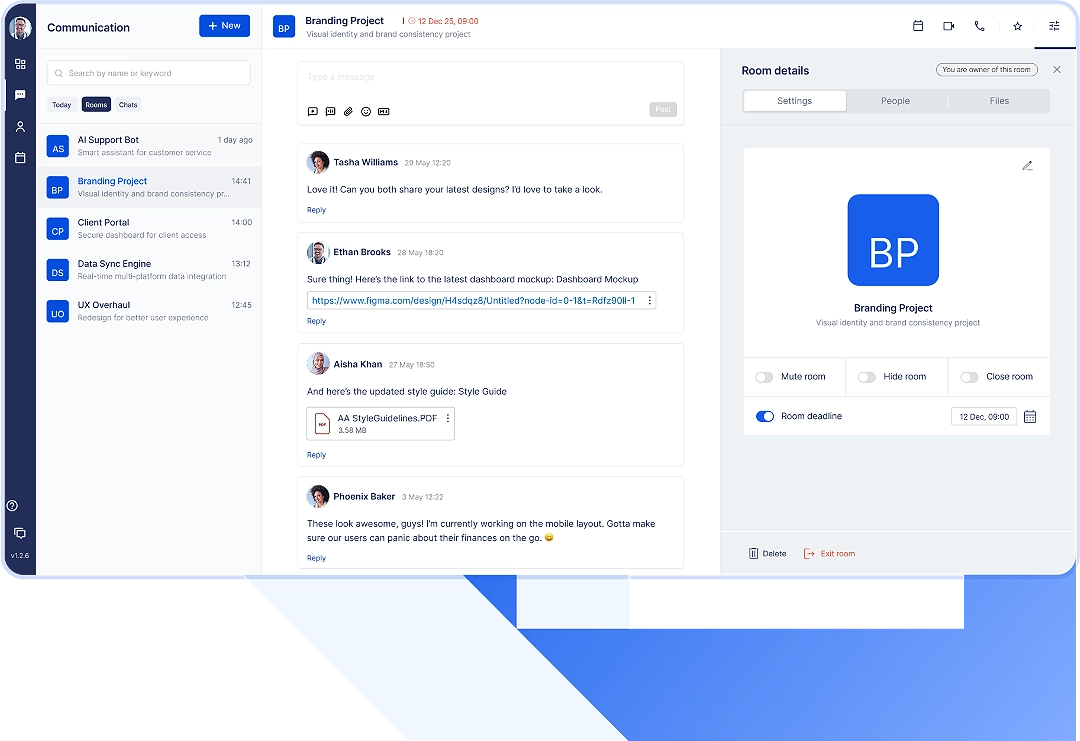
Organise communication around a project into a Room, designed for seamless communication and collaboration. Rooms enable setting deadlines for prioritisation, video meetings, video calls, group chat, and file sharing, helping teams stay connected and aligned on projects.
Team Chat
Use team chat of #One Rooms to stay connected with your colleagues and teams through intuitive group discussions and seamless interactions. Reduce reliance on email and speed-up decision making.
File Sharing
Share files, documents, and reports with your colleagues, teams, and external partners securely either individually or to a larger group.
Project Management Tools and Dashboard
Available soon!
Keep track on all your priorities, tasks, and deadlines through one dashboard, keeping you and your teams aligned on project tasks, responsibilities, and objectives.
Public API
Available soon!
Integrate your existing systems to #One via its public API and tailor your communication workflows according to your own needs and use cases. Soon you can schedule and arrange video meetings and enable secure chat automatically in external systems by connecting them into #One.
Single Sign-On
Ensure smooth access for your users to #One with Single Sign-On integration (SSO) to your existing identity provider. This simplifies access management for IT department, while users will have an easy and familiar sign-in experience.
Outlook Add-In
Available soon!
Organise video meetings in #One and invite participants directly from your Outlook calendar by using the upcoming Outlook Add-In of #One.
Cyber Security
#One provides you with the highest level of cyber security, information and data security. The software is regularly audited by independent third-party information security consultants to ensure that #One meets stringent standards for cyber security.
GDPR Compliance
#One is designed and developed with privacy-first allowing you to control personal data and ensuring compliance with GDPR. We guarantee to process personal data solely within the European Union.
EU Hosted Software
#One offers you a European alternative to US-based communication software. Your data is always hosted on Dream Broker’s own infrastructure and hardware co-located within the European Union in the data centers of Elisa Corporation, the biggest teleoperator in Finland. The data centers are ISO/IEC 27001 certified.